
Microsoft Copilot
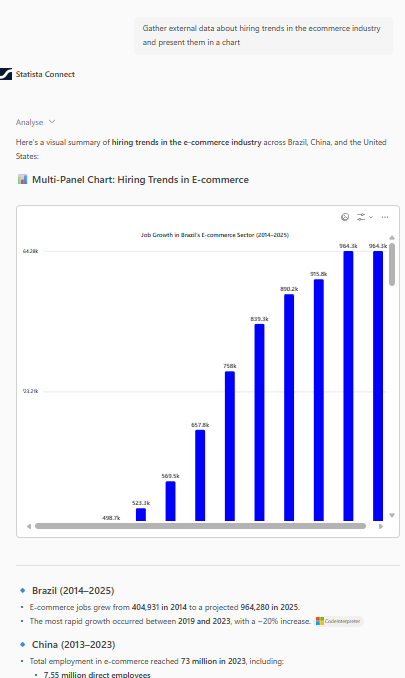
Get instant access to Statista data through a pre-built, ready-to-use AI assistant for Microsoft 365 Copilot. Our team handles the setup while you focus on your work.
Reach out to our team to request your custom Declarative Agent. We'll need some basic information about your organization and use case.
Contact Statista TeamA Statista employee will create a customized Declarative Agent for your organization and send you the agent manifest file (ZIP format). This pre-configured agent includes:
Note: This process typically takes 1-2 business days.
Once you receive the manifest file from Statista, follow these steps to deploy the agent:

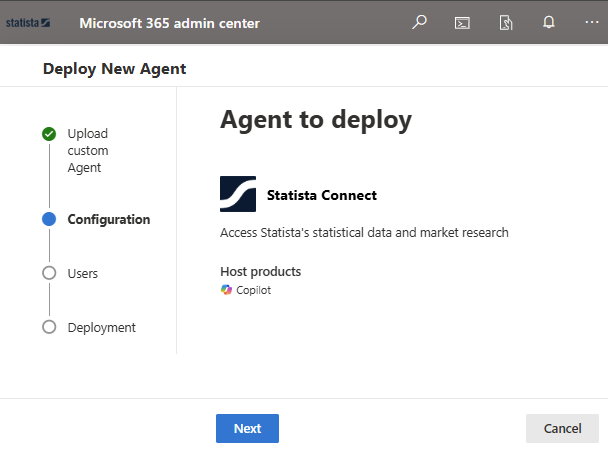
Configure which users should have access to the Statista agent and make it easily accessible:
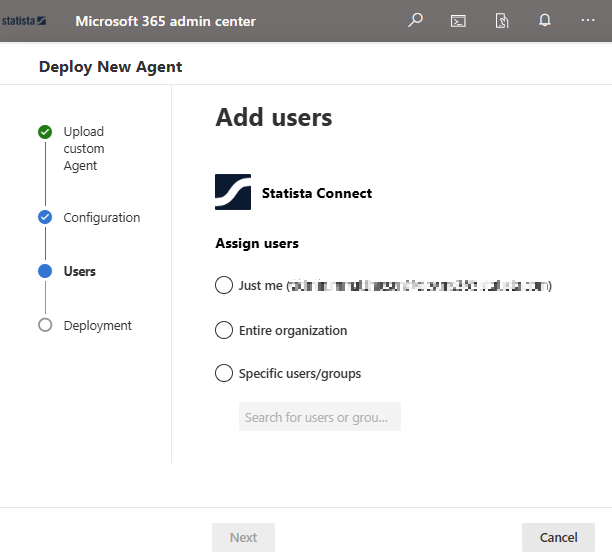
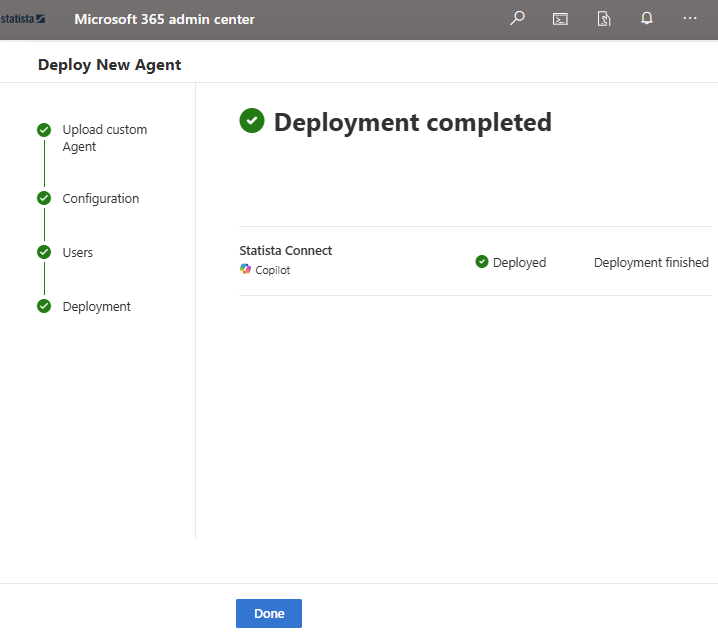
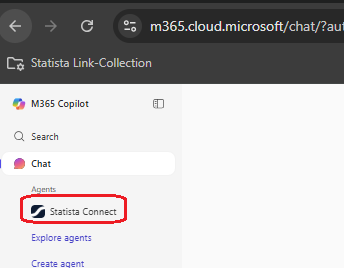
We recommend pinning the agent for quick access, especially during the initial rollout phase.
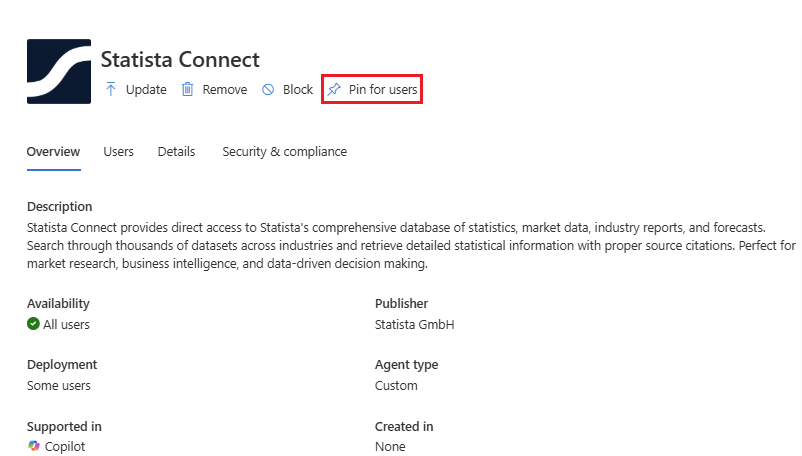
Tip: If you do not want all users to be abled to install the agent, change the availibility afterwards. All users is Microsoft's default value
If you encounter any issues during setup or have questions about the Declarative Agent:
Contact Support