This guide helps IT administrators and decision-makers integrate Statista data into their Microsoft 365 Copilot environment. Choose the setup method that best fits your organization's needs and technical requirements.
What you get with Statista in Copilot
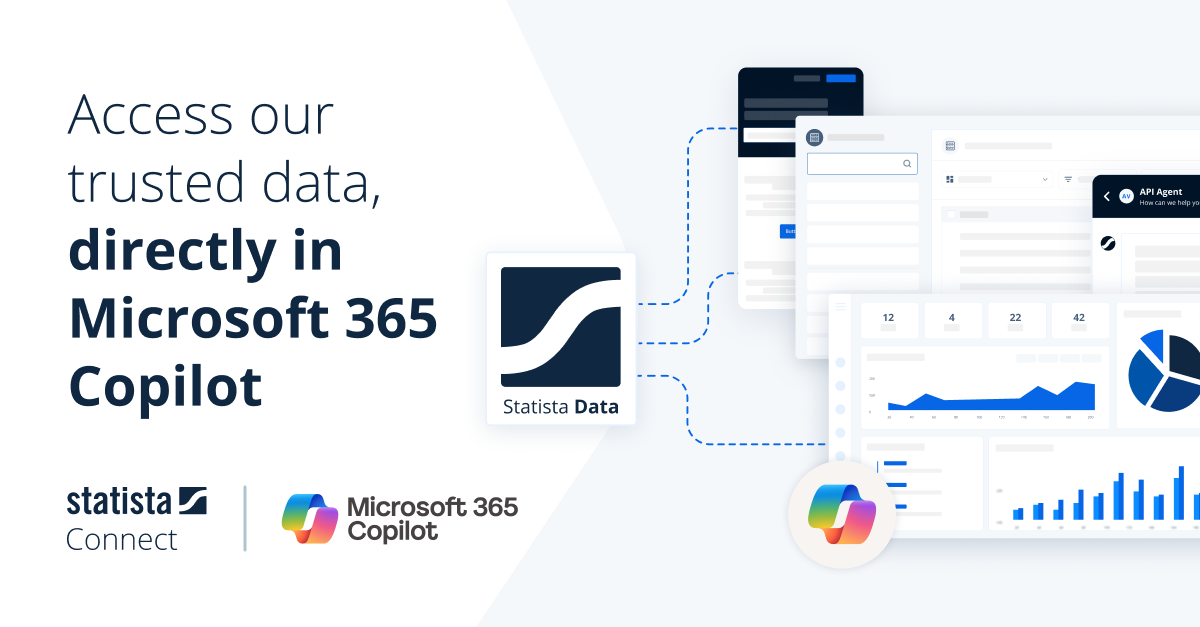
All integration methods give your users access to Statista's full range of data products - directly within their Copilot experience, with proper source citations.
Access market sizes, revenue forecasts, and growth projections for 190+ countries and 150+ industries. Compare markets across regions with up-to-date figures.
Search through over 1 million datasets covering every industry. Get charts, tables, and reports with full source citations and direct links to Statista.
Explore survey data from 50+ countries on brand preferences, purchasing behavior, media usage, and demographics - with crosstab breakdowns by age, gender, and more.
Choose your integration method

Receive a ready-to-deploy agent package from Statista and upload it directly to your Microsoft 365 Admin Center, Teams or Cowork. Best for organizations using API key authentication or not requiring custom configurations.

Install Statista Connect directly from the Microsoft 365 App Store. Users authenticate with their existing Statista account via OAuth. Includes full Cowork support for automated workflows.

Create a customized agent in Microsoft Copilot Studio with Statista as a data source. Ideal for organizations that already use Copilot Studio or want to combine Statista data with other internal sources.

Use Statista as a data source across Microsoft 365 Copilot experiences including Researcher and more.